
Honest numbers
Every request shows where its time went, which certificate answered, where redirects went and the headers that really left your machine.
DNS8 ms
Connect17 ms
TLS27 ms
First byte72 ms
Download23 ms
Build, test, mock and load test APIs over HTTP, GraphQL, gRPC, WebSocket, Socket.IO, SSE, MQTT, TCP, UDP and DNS, test the MCP servers AI agents use, and see what really happens on the network.
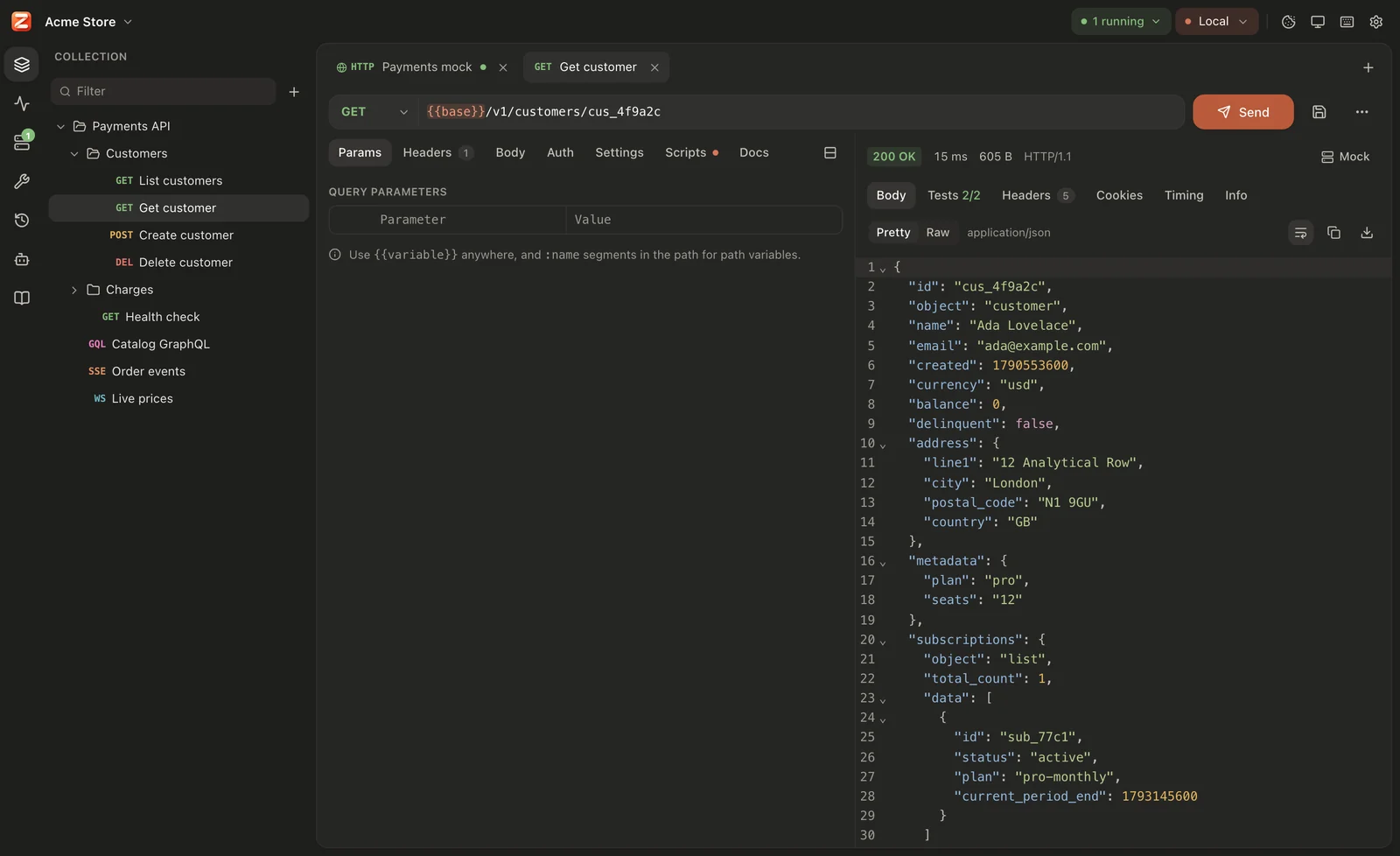
Every protocol, one editor: params, auth, scripts and a response with timing, TLS and the headers that really left your machine.
Everything in one place
A client for every protocol, tests, mocks, load tests and network tools, working from the same files and the same engine.
Every request shows where its time went, which certificate answered, where redirects went and the headers that really left your machine.
Postman-compatible scripts: imported collections run as they are.
pm.test("order is created", () => {
  pm.response.to.have.status(201);
  const order = pm.response.json();
  pm.expect(order.id).to.be.a("string");
  pm.environment.set("orderId", order.id);
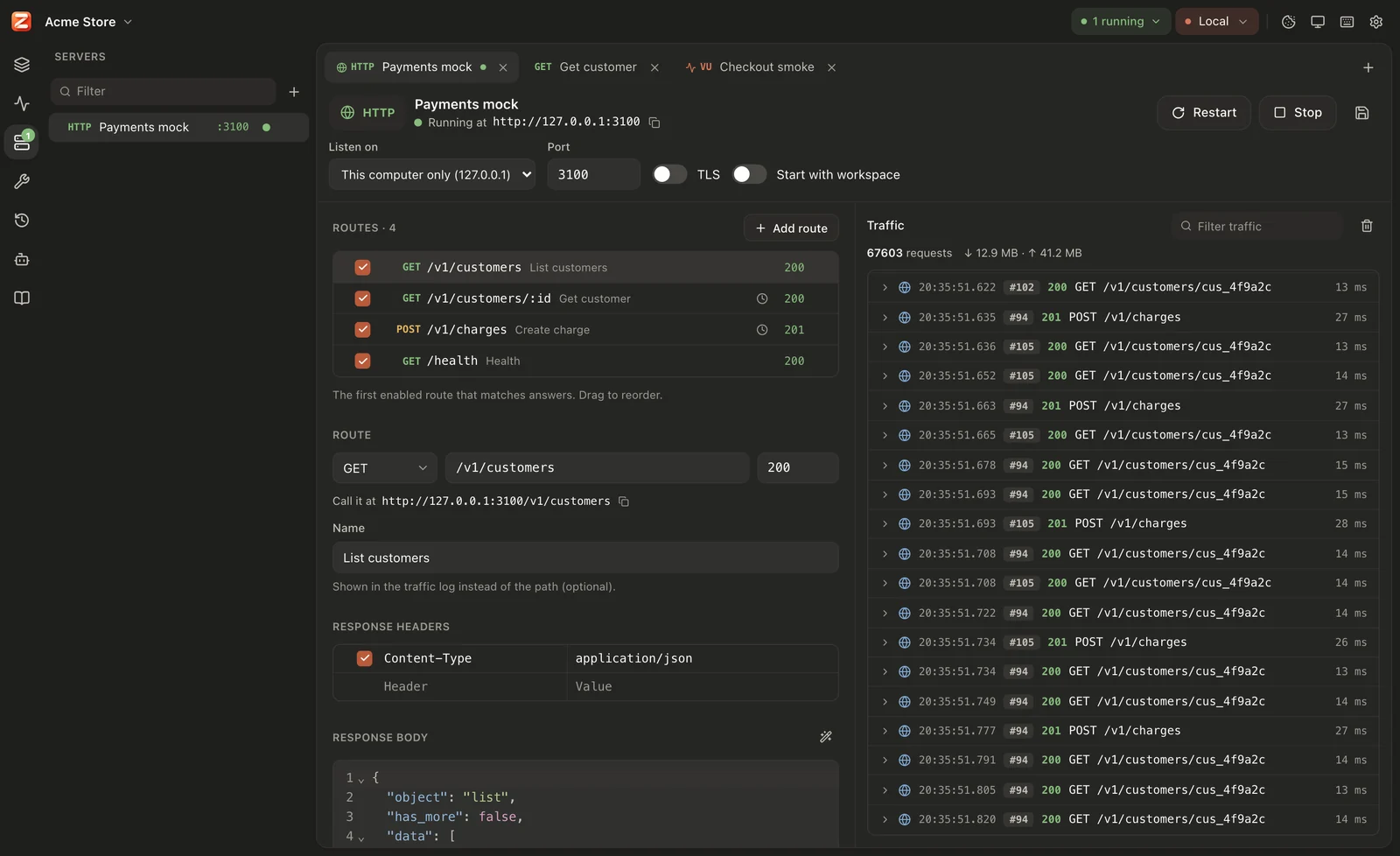
});Routes with params and templates, delays, faults, CORS and forwarding.
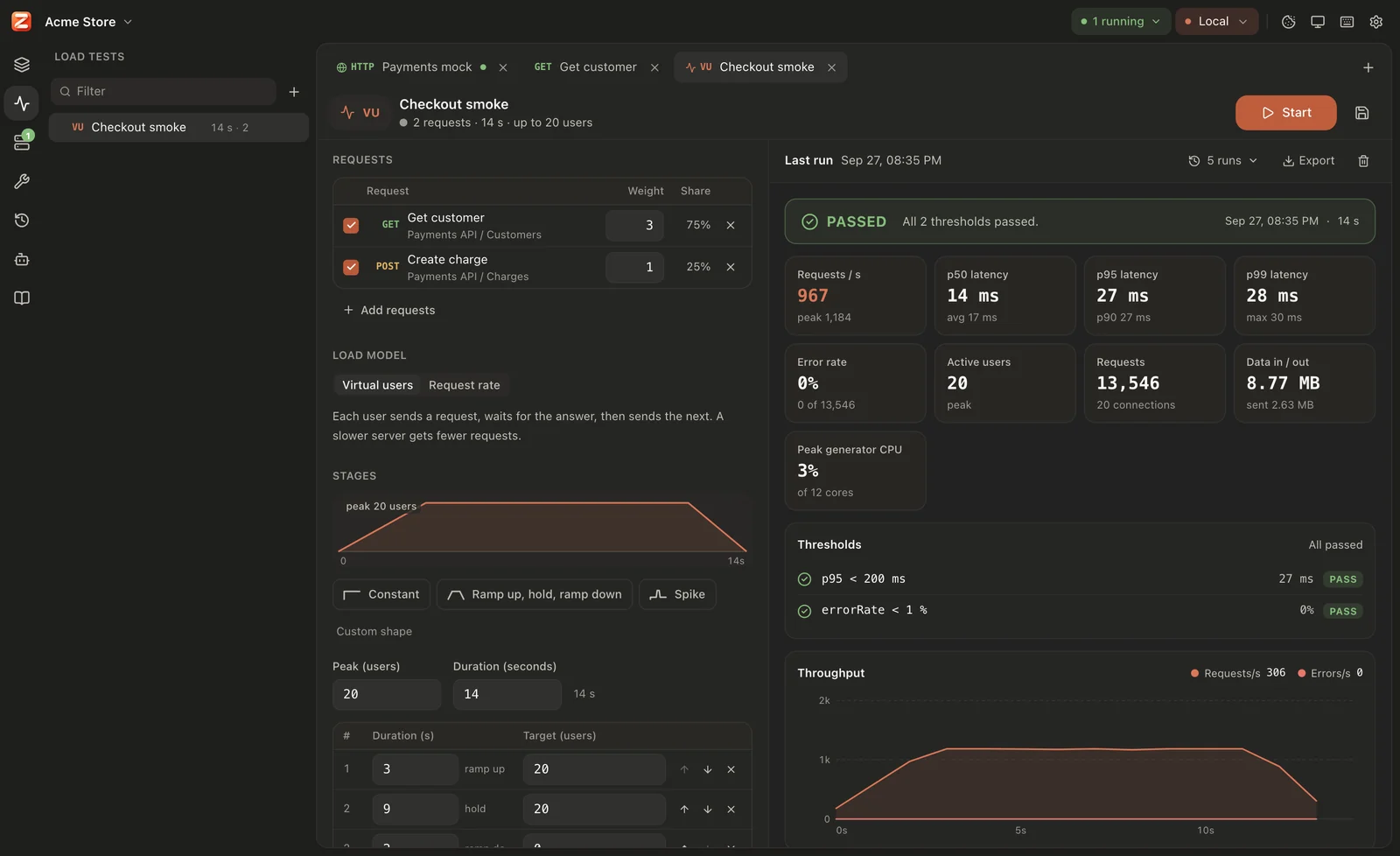
Virtual users or arrival rate, thresholds like “p95 under 200 ms”.
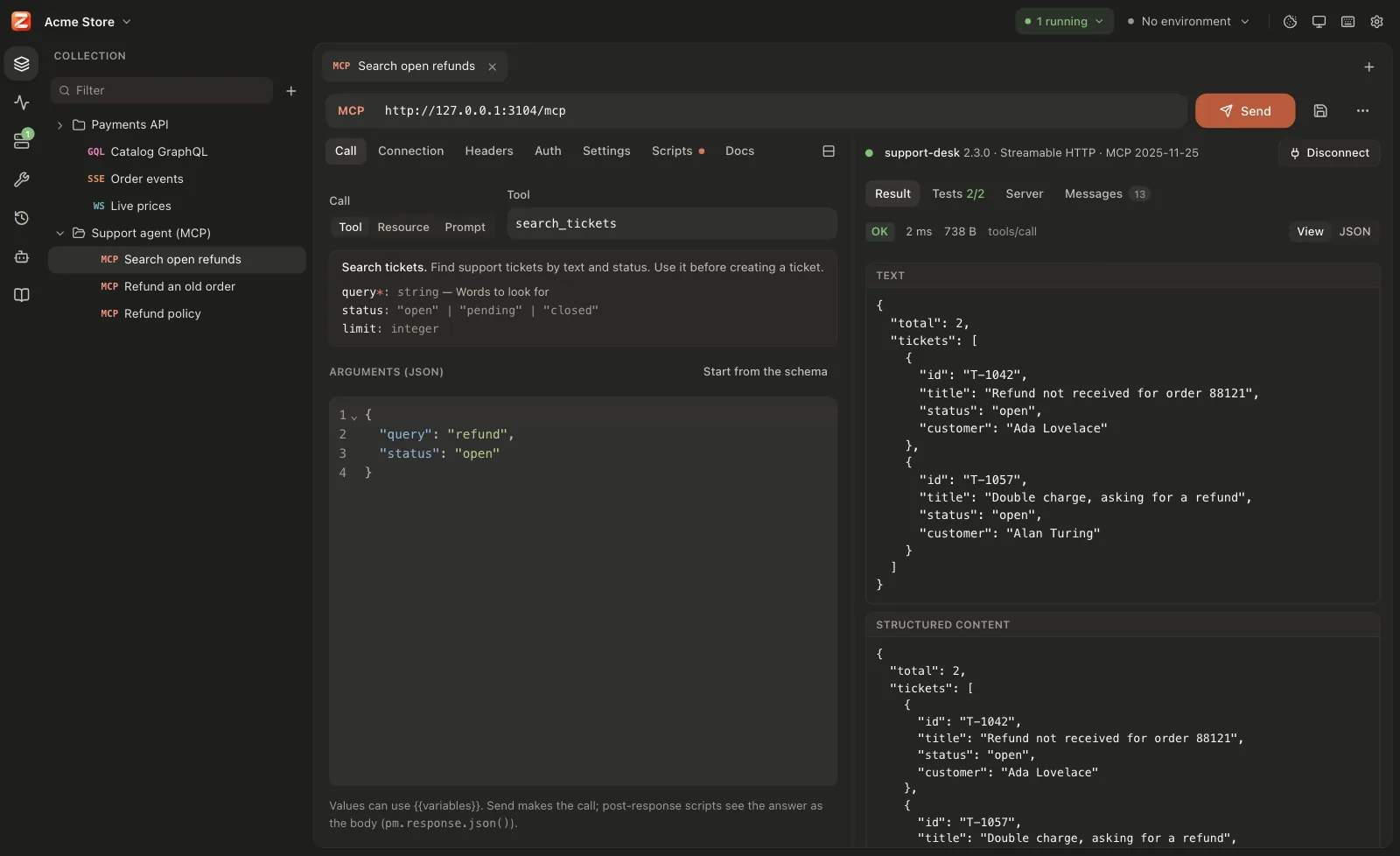
See what an AI agent sees: an MCP server's tools, their schemas and answers. Call them over HTTP or stdio, test them in CI, or build an MCP server for your own agent to use.
A workspace is a folder of readable YAML. Commit it, review it in pull requests, share it. Secret values stay on your computer.
# requests/Orders/Create order.yaml
name: Create order
method: POST
url: {{baseUrl}}/orders
auth: { type: inherit }
+headers:
+ - { key: Idempotency-Key, value: {{$uuid}} }Claude Code, Codex, Gemini CLI, Cursor and others drive Zorvik over MCP while you watch. Risky actions wait for your OK.
TLS inspector, DNS lookup, port check, ping, HTTP/3 check, and encoders for Base64, JWT, hashes and more.
Requests imported from an OpenAPI document are checked against it on every send. Update from a new version and keep your edits.
System or manual proxies, the OS certificate store, custom CAs and client certificates. Offline, with no account.
New · MCP testing
AI apps and agents reach tools through MCP servers, and a model trusts whatever a tool's description, schema and answer say. Zorvik shows you exactly what the agent sees: connect to any MCP server, call its tools with your own arguments, watch every JSON-RPC message, and test the answers in CI. Building an agent? Give it an MCP server whose tools, failures and delays you control.
npx …, with auth and OAuth 2.0zorvik runzorvik serve … --stdioMCP built in
Connect Claude Code, Codex, Gemini CLI, Cursor or any MCP client with one command. The agent turns the APIs in your code into requests, sends them, writes tests, runs collections, builds and starts mock servers, runs load tests and reads the traffic, all inside Zorvik, where you watch every step.
$ claude mcp add --scope user zorvik -- zorvik mcpAdded stdio MCP server zorvik > Map the checkout API in this repo to Zorvik and test it✓ zorvik · save_requests 5 requests in "Checkout"✓ zorvik · run_collection 5 passed, 12 tests✓ zorvik · create_mock from openapi.yaml, port 4010? zorvik · run_load_test waiting for your OK in ZorvikFree, all of it
Every feature is free for everyone, and it stays that way: no premium tier, no seat limits, no sign-in, and your work never leaves your computer unless you push it to your own Git.
New · Training Bootcamp
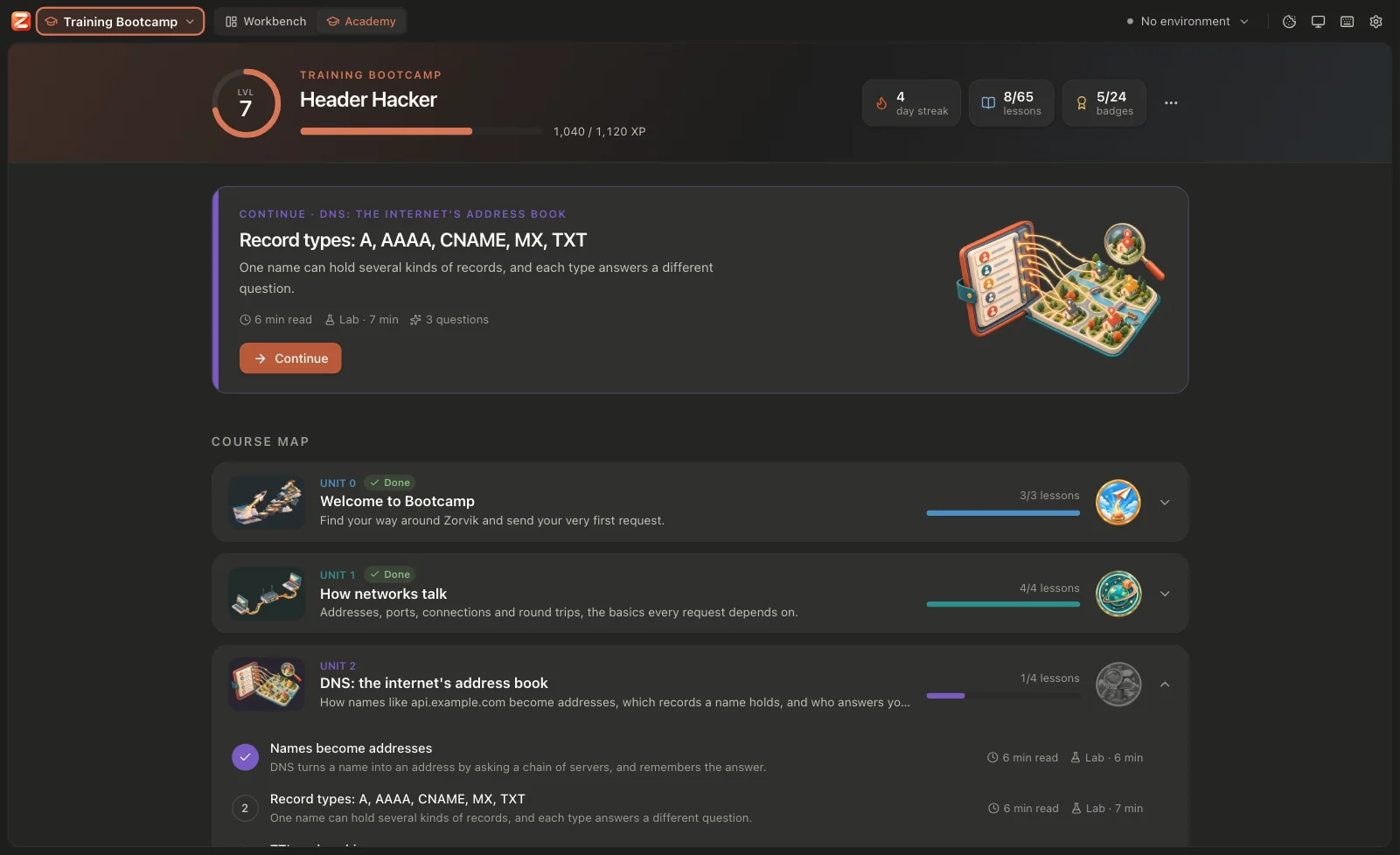
New to APIs and networks? A course takes you from “what is a network?” to mocking and load testing. Short readings with diagrams, then a lab in the real workbench: practice servers start on your computer and the Lab Guide ticks each step off the moment you get it right.






Same engine, in your pipeline
Run collections in CI with JUnit reports, gate releases on load-test thresholds, serve mocks next to your tests, and connect AI agents.
$ zorvik run ./shop --env Staging --folder Checkout --junit report.xml✓ POST Create order https://staging.shop.example/orders 201 84 ms, 312 B ✓ status is 201 ✓ Matches the API spec (POST /orders → 201)✓ GET Get order https://staging.shop.example/orders/ord_81 200 12 ms, 488 B✗ POST Cancel order https://staging.shop.example/orders/ord_81/cancel 409 15 ms, 96 B ✗ can be cancelled — expected 409 to equal 200 Requests 2 passed, 1 failed, 0 skipped (3 total)Tests 3 passed, 1 failedTime 0.4 s$ echo $?1zorvik runCollections and folders, data files, JUnit and JSON reports. Exit code 1 when a test fails.zorvik loadA saved load test with its thresholds, and an HTML report for the build.zorvik serveAny saved mock or server, headless, with its traffic as JSON lines.zorvik mcpThe MCP server your AI agent starts to work with Zorvik.No account, no cloud sync, no tracking. It works offline; the only connection it makes by itself is the update check to GitHub.
Plain YAML in a folder you own. Git is your sync, history and review.
Secret values, cookies and tokens live on your computer, never in workspace files.
MIT or Apache-2.0, built in the open by the LibreGuild community.
Download
Version 0.2.0 · released September 28, 2026 · what's new
Every download includes the app and the zorvik command line.
For CI machines, servers and containers: zorvik on its own, one file to unpack.
# In a pipeline: always the newest version
curl -fsSL https://github.com/LibreGuild/zorvik/releases/latest/download/zorvik-cli-linux-x86_64.tar.gz \
  | sudo tar -xz -C /usr/local/bin zorvik
The app keeps itself up to date: it reads the newest version from this project's releases on GitHub, and sends nothing about you. Builds aren't code-signed yet: on Windows choose More info → Run anyway; on macOS allow it in System Settings → Privacy & Security. Want the newest changes? Try the nightly build, or build from source.